
5 things to avoid when DIY’ing your website

the dos and don'ts of diy websites“A poorly executed website can do more harm than good for your brand, so here are five common pitfalls to steer clear of to ensure your site is built for success.”
I’ll be the first one to recommend hiring a professional when it comes to designing your website, but sometimes there are genuine constraints – like budget, time or resources – that can mean DIY’ing your website might be the best option for you in the short term.
Designing your own website can feel empowering and exciting, especially when you’re just starting out – and with so many DIY platforms available, it’s never been easier to get something live. But easy doesn’t always mean effective, and a poorly executed website can do more harm than good for your brand.
Whether you’re feeling empowered or overwhelmed at going the DIY route, here are five common pitfalls to steer clear of to ensure your site is built for success.
1. Designing without strategy
One of the biggest mistakes I see is business owners jumping straight into design without a clear brand direction.
Your website isn’t just a collection of pretty pages — it’s a digital extension of your business. Without a defined brand strategy (think: positioning, tone of voice, target audience, visual identity), your site can verrrrry quickly feel like a generic hot mess.
Before you touch a template, ask yourself:
Who am I trying to attract?
What do I want people to feel when they land on my site?
What makes my business different?
You can’t expect potential customers to know who you are if you don’t even know yourself. A strong foundation here will make every design decision easier — and far more impactful.

2. Overcomplicating the design and user experience
You have about 0.05 seconds (yes, you read that correctly – 5. 0. milliseconds.) to make an impact when someone first lands on your website. There might literally be no first impression more important to nail for your business than your website.
When you have full creative control, it’s tempting to do all the things. Fancy animations, busy layouts, endless pages packed with content… but more isn’t always better.
In fact, overly complex websites often confuse users and make it harder for them to navigate and take action.
Good design is about clarity, not clutter, and your website should guide visitors effortlessly, not overwhelm them.
Keep it simple:
Stick to a clear and predictable structure
Limit your colour palette and fonts (check out my guide to choosing the right colours for your brand here)
Make navigation intuitive
Prioritise accessibility and readability
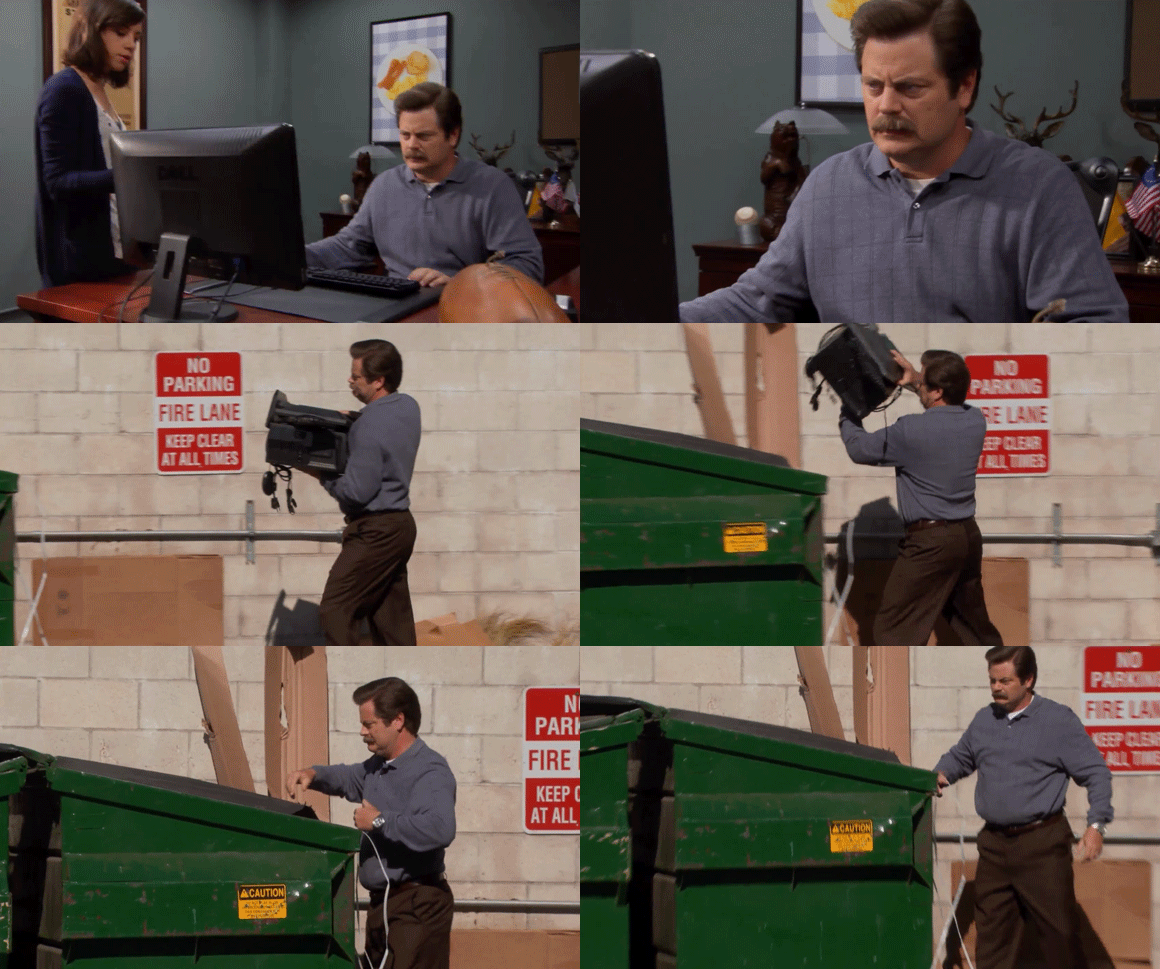
Users don’t want to have to think too hard in order to work out who you are and what you’re selling, and websites that don’t focus on the fundamentals of user experience are a sure-fire way to have your potential clients wanting to throw their device into the trash. Don’t be that website.
3. Ignoring SEO
A beautiful website is great — but if no one can find it, what’s the point?
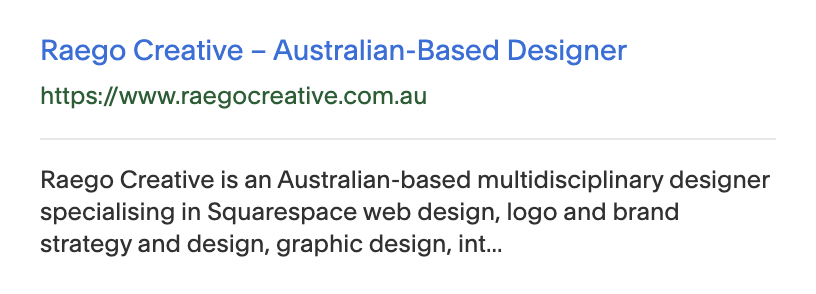
Search Engine Optimisation (SEO) is often overlooked in DIY builds – and hey, I get it. If you’re not familiar with how it works and what it does, it can be overwhelming to even know where to start.
But it plays a crucial role in getting your website seen. Without it, you’re relying solely on social media or word of mouth for traffic (yikes!).
At a minimum, make sure you:
Use relevant keywords naturally throughout your content
Add page titles and meta descriptions
Optimise your images by adding relevant file names and alt text
Structure your headings properly
Website builders like Squarespace make this really easy, with built-in tools such as SEO setup checklists and reports, AI prompt builders, automatic sitemaps, and guided in-page SEO settings.
SEO doesn’t have to be complicated, but it does need to be there. Even your most basic attempt at SEO is probably going to be better than ignoring it completely.
4. Forgetting mobile optimisation
More than half of your website visitors will likely be browsing on their phone — so if your site doesn’t look and function well on mobile, you’re instantly losing potential clients.
DIY platforms usually offer built-in mobile-responsive templates – Squarespace even does this automatically for each page you build, but that doesn’t mean your job is done!
Before going live, always check:
Text is easy to read without zooming
Buttons and links are large enough to tap
Images are scaled properly
Spacing feels balanced
Content is displayed in the right order
A seamless mobile experience isn’t optional anymore, it’s essential.

5. Not adding a favicon
I know what you’re thinking – WTH is a favicon?!
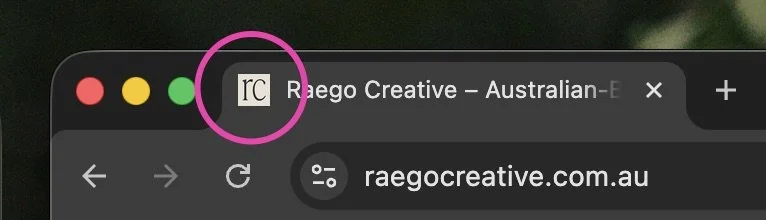
Your favicon is that tiny little logo icon shown next to your website in most browsers. It might be small, but it matters.
It is one of the first details of your website users will see, and often this is even before they reach your website (like in search results). Making sure you have an effective favicon in place is one of those subtle details that elevates your brand and makes your site feel polished and professional. Without it, your website can feel unfinished — even if everything else looks great.
It’s also surprisingly helpful for usability, especially when users have multiple tabs open.
A good brand designer (like me) will always include a plug and play favicon version of your logo in your brand handover files, and most website builders make it super easy to add in your settings.
Think of it as the finishing touch that ties everything together.
DIY-ing your website can absolutely work — but it requires more than just choosing a nice template and filling in the blanks.
By avoiding these common mistakes, you’ll create a site that not only looks good, but actually works for your business.
And if you find yourself feeling stuck, overwhelmed, or like your website isn’t quite hitting the mark — that’s where I come in!
I specialise in building thoughtful, strategic websites that are designed to grow with your business (and take the stress off your plate).
So if you feel like DIY’ing your website isn’t for you – I’d love to take it off your hands, get in touch with me today.
You may also like


You don’t need to have to be an expert in coding or CSS to be able to take advantage of it on your own Squarespace site – so I’m sharing some of my favourite copy and paste tweaks to level up your site.